After Rain
A cinematic portrait in a rain-washed city, soft neon reflections, slow handheld movement.
Shape cinematic video from text, images, frames, or a subject reference—all inside one deliberate creative workspace.
Generate video from text, images, first and last frames, or a subject reference with precise controls for format, duration, and quality.
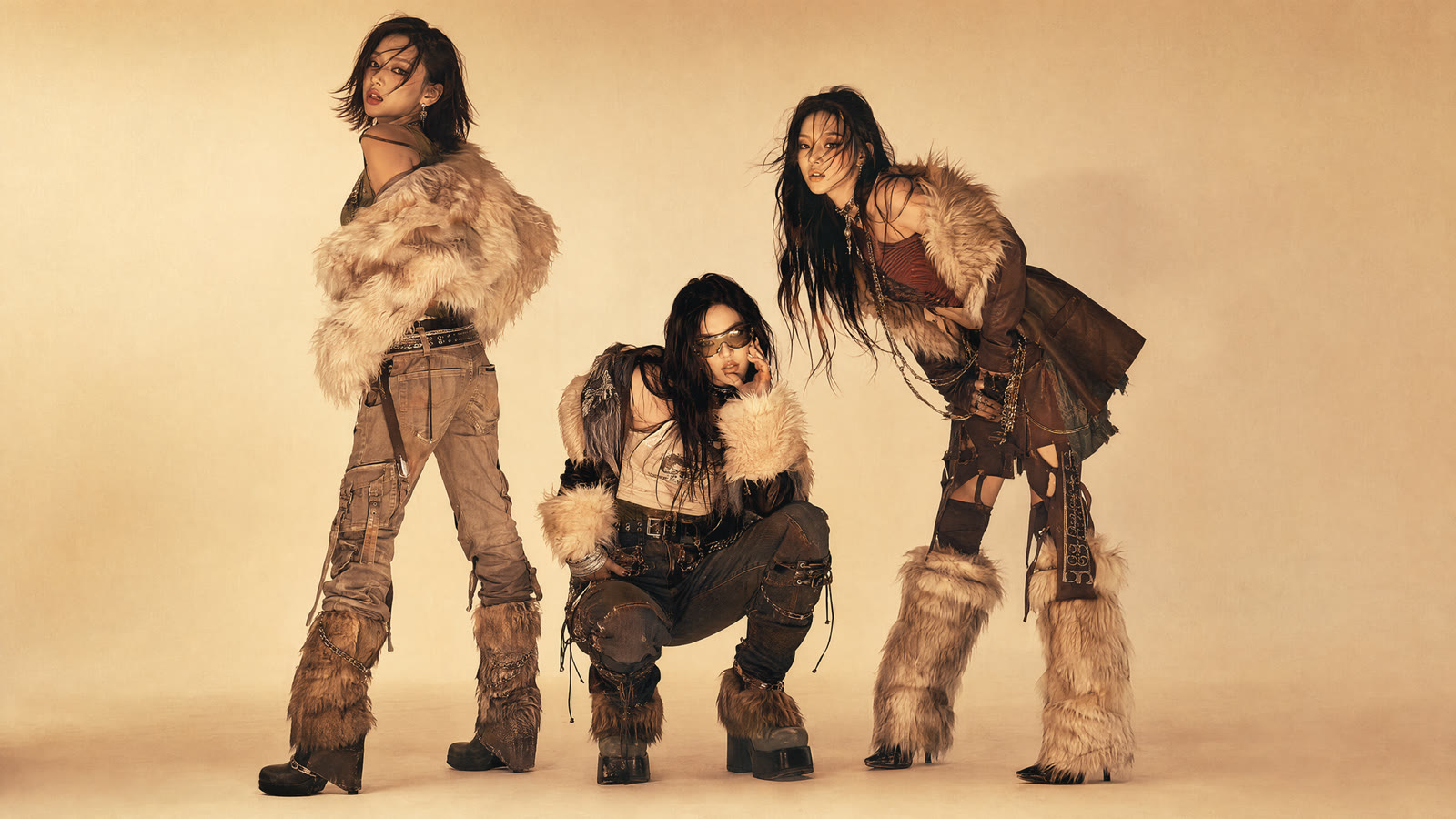
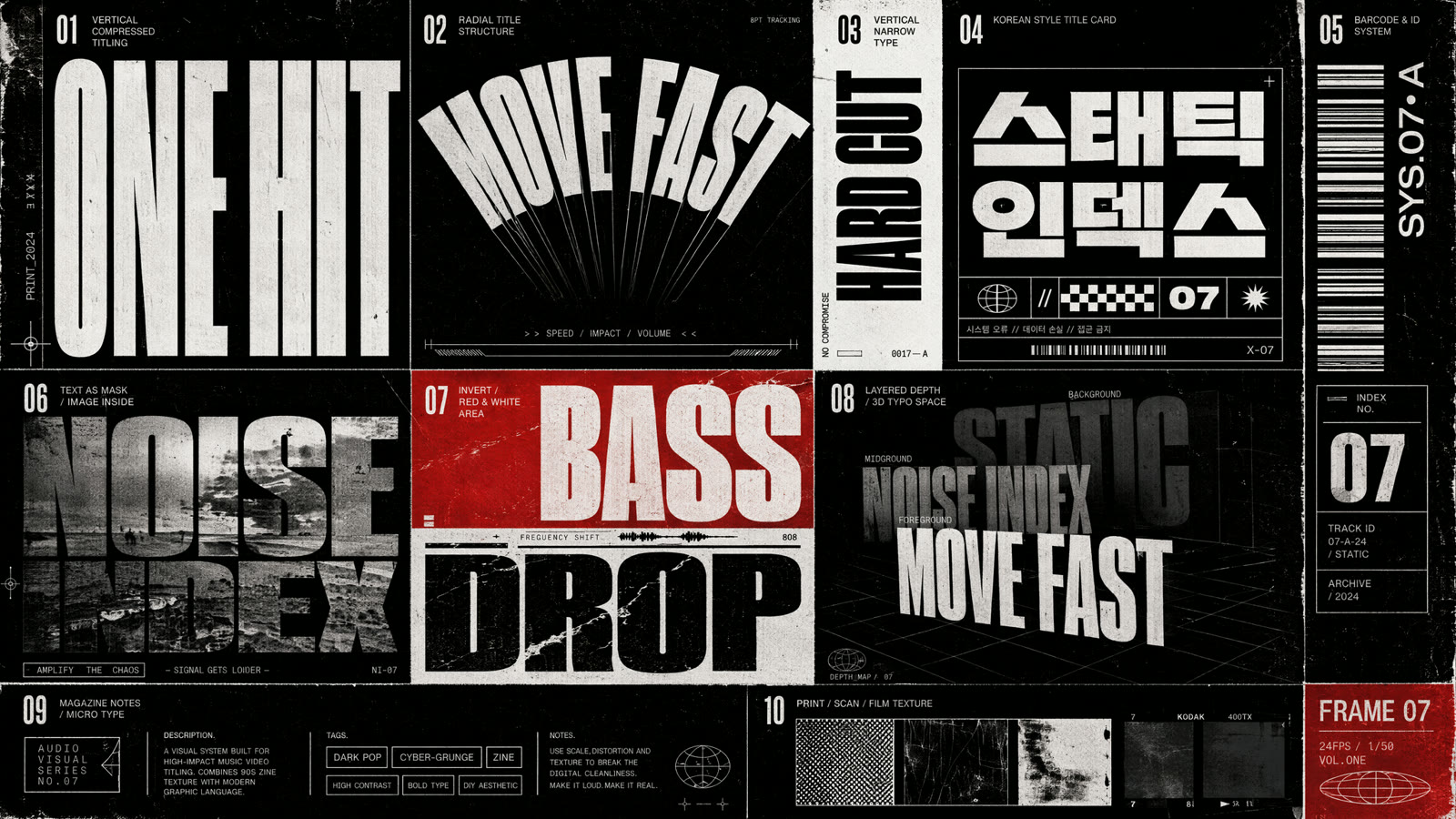
Create a fast-cut dark-pop / cyber-grunge / rap editorial with photoreal high-fashion polish, scanned-zine grain, halftone texture, rough print edges, and hard cuts matching the reference images’ typography and surface treatment.

Create a nine-panel storyboard for a streetwear launch.

Create a half-peeled banana dinosaur plush.
Explore visual directions, then carry the prompt language into your own shot.
A cinematic portrait in a rain-washed city, soft neon reflections, slow handheld movement.
Editorial close-up with subtle breathing motion, warm side light, shallow depth of field.
A traveler crosses wind-shaped dunes as the camera cranes upward into an immense horizon.
An aerial drift over deep blue water, sunlight breaking through moving cloud shadows.
A continuous dolly move through a mossy forest with suspended mist and soft morning rays.
A high-fashion studio portrait with sculpted light, restrained motion, and crisp fabric detail.
A luminous structure unfolds above a distant planet, elegant camera orbit, deep cinematic contrast.
A brutalist building emerges from fog as the camera tilts upward and birds cross the frame.
Explore cinematic scenes created from detailed prompts, reference images, and controlled camera movement.
Begin with an image or subject reference, then direct composition, atmosphere, and camera intent through natural-language prompts.
Keep the central character consistent. Move from a quiet interior into a rain-lit night street, ending on a confident close-up.Try this direction
Describe camera travel, subject action, pacing, and transitions in one brief. The experience keeps those directions visible from setup to result.
Start at water level, rise above the cliff edge, then arc around the subject as the morning fog parts.Try this direction
Create high-quality video with multimodal inputs, flexible duration, multiple resolutions, and precise motion control.
Start from a written prompt, animate an image, connect first and last frames, or guide a scene with a subject reference.
Choose the right duration for quick shots or extended scenes.
Select a resolution that balances production detail and generation speed.
Define both endpoints and direct the transformation between them.
Build new scenes around a clear subject while directing performance, setting, and camera position.
Describe camera movement, pacing, lighting, and subject action in natural language.
Create video from a written prompt, a source image, first and last frames, or a subject reference. Each mode uses the same focused workspace for motion, framing, and visual direction.
Choose 6 seconds, 10 seconds, or the extended 30-second option. Six-second projects support 768P and 1080P, while longer projects use 768P.
Yes. First & Last Frame mode lets you set both endpoints, then describe the action, camera path, and transition between them.
Add a clear subject image and describe the new scene. The workflow keeps the subject at the center of your creative direction while you define performance and setting.
The editor includes 16:9 for landscape, 9:16 for vertical video, and 1:1 for square social formats.
Yes. An active generation remains associated with this browser, so refreshing or reopening the page restores its current queue stage.
Enter a prompt, choose your video settings, and generate a cinematic result from one focused workspace.
Open the generator